

Make every screen in your school part of a safer, more connected learning environment.
Vivi unifies emergency alerts, classroom engagement, and campus communication in one simple platform that works with the displays you already have.

What We Do
Vivi leverages a school's network of displays, in classrooms and across campus, to keep students, teachers and staff safe, engaged, and informed.
Emergency Alerts
Reach every classroom, corridor, and computer when it matters most. Vivi delivers clear visual alerts across all connected displays so students and staff know what to do right away. Alerts override content, follow district protocols, and work on the screens you already use every day.
Wireless Screen Mirroring
Give teachers more freedom to teach the way they want. Vivi supports wireless teacher and student screen sharing from anywhere in the classroom. Teachers move, students stay involved, and learning stays active.
Digital Signage
Make your displays useful for every part of the school day. Share reminders, celebrate students, spotlight events, or guide visitors. And, when needed, shift screens into safety mode without new hardware or extra software.
Announcements
Send messages to specific rooms or to the entire campus. Deliver morning updates, schedule changes, and offer timely reminders directly to displays instead of relying on PA systems or email. With Announcements, communication stays visible and consistent.
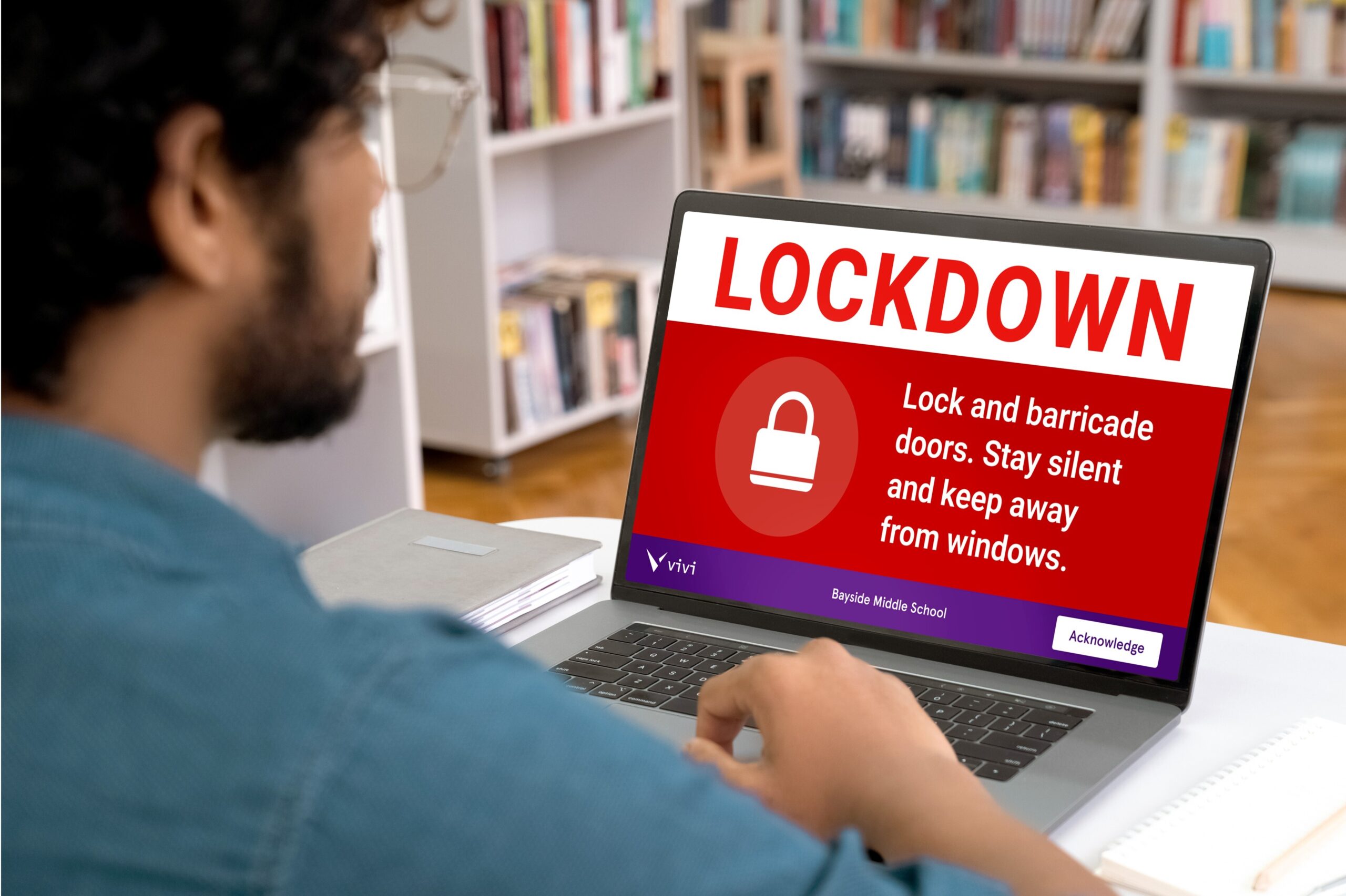
New from Vivi: Device Alerts
Vivi Device Alerts extends school safety beyond classroom displays by delivering instant, full-screen alerts directly to staff laptops and desktops with acknowledgment tracking.
Designed as a standalone, site-licensed product, Device Alerts ensures the adults who need to act receive critical information immediately and confirms they’ve seen it.
You're in great company
Trusted by over 2,400 schools, 160,000 classrooms, and 825,000 teachers and students.












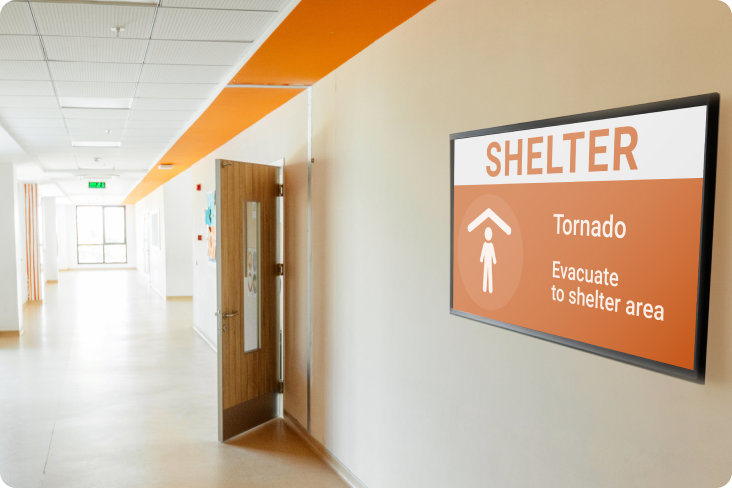
School Safety
Support your safety protocols with visual alerts that reach every connected display. Vivi helps students and staff receive clear guidance the moment it is needed.

Classroom Engagement
Give teachers the flexibility to move, teach, and share from anywhere in the room. Vivi keeps students involved and lets teachers stay in full control of what appears on the classroom display.

School Communications
Keep your community informed with clear, consistent messages across campus. Share announcements, updates, celebrations, and emergency notifications through any connected display using one simple platform.
Connected to tools you already use
Play PowerPoints, Google Slides, videos and other resources with just a click.
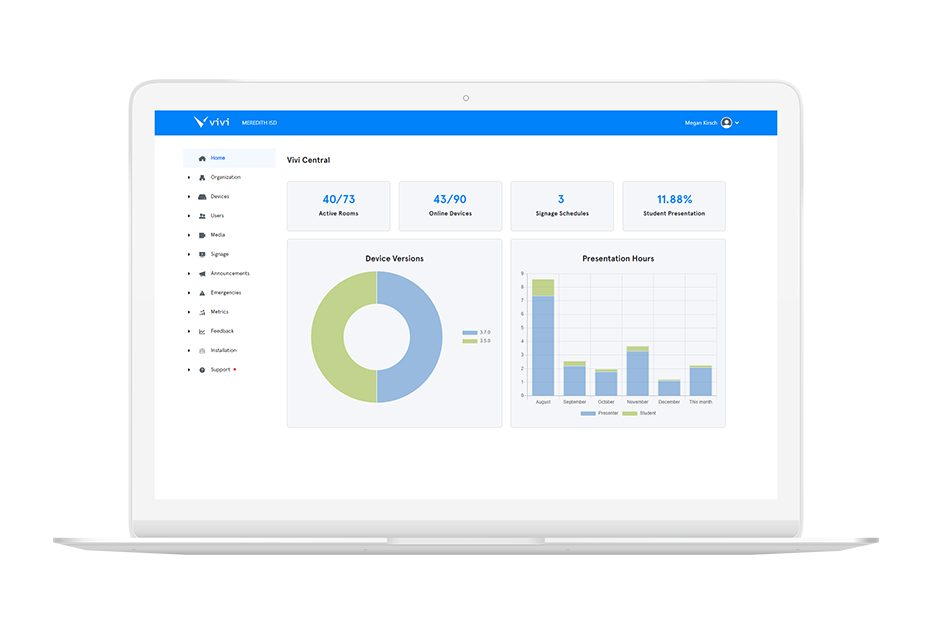
Manage everything from one spot
Deploy, maintain and update your connected displays from a single central location.
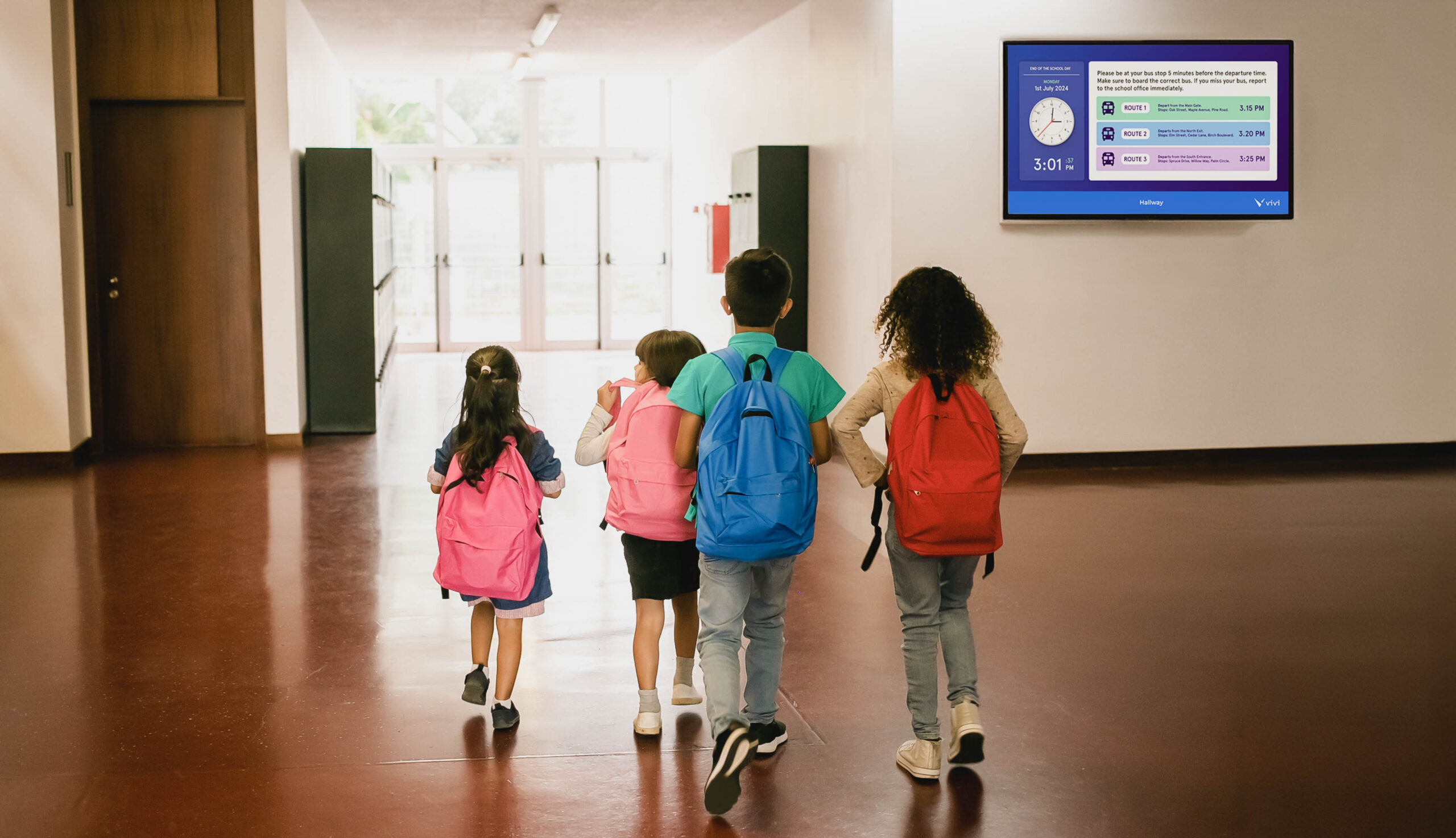
Powerful digital signage
Share school calendars, showcase upcoming events, highlight student work, and more to keep your community informed and involved.
Connected to tools you already use
Play PowerPoints, Google Slides, videos and other resources with just a click.

Manage everything from one spot
Deploy, maintain and update your connected displays from a single central location.
Powerful digital signage
Share school calendars, showcase upcoming events, highlight student work, and more to keep your community informed and involved.
WHAT OUR CUSTOMERS SAY:
of Vivi customers say
Vivi has helped them achieve their strategic objectives.
of Vivi customers say
Vivi has driven more positive teacher-student interactions.
of Vivi customers say
Vivi has helped create a positive school community.
Our Latest Updates:
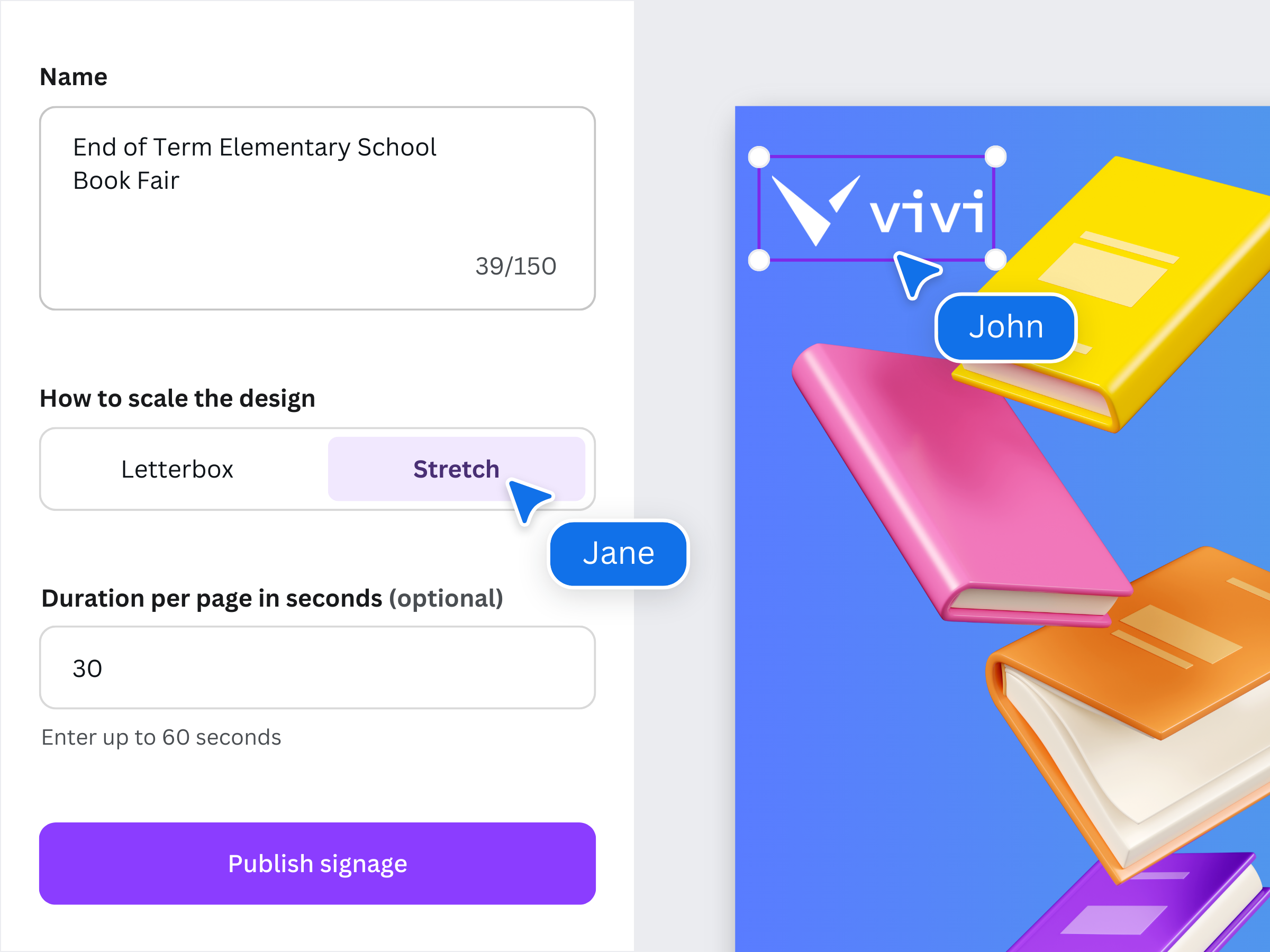





Download the latest app & firmware
Recognitions:

Learn More

The Most Dangerous Assumption in Australian School Safety Today: “It Won’t Happen Here”
For most schools, safety planning doesn’t fail because leaders don’t care. It fails because of a single, deeply human assumption: …
Read More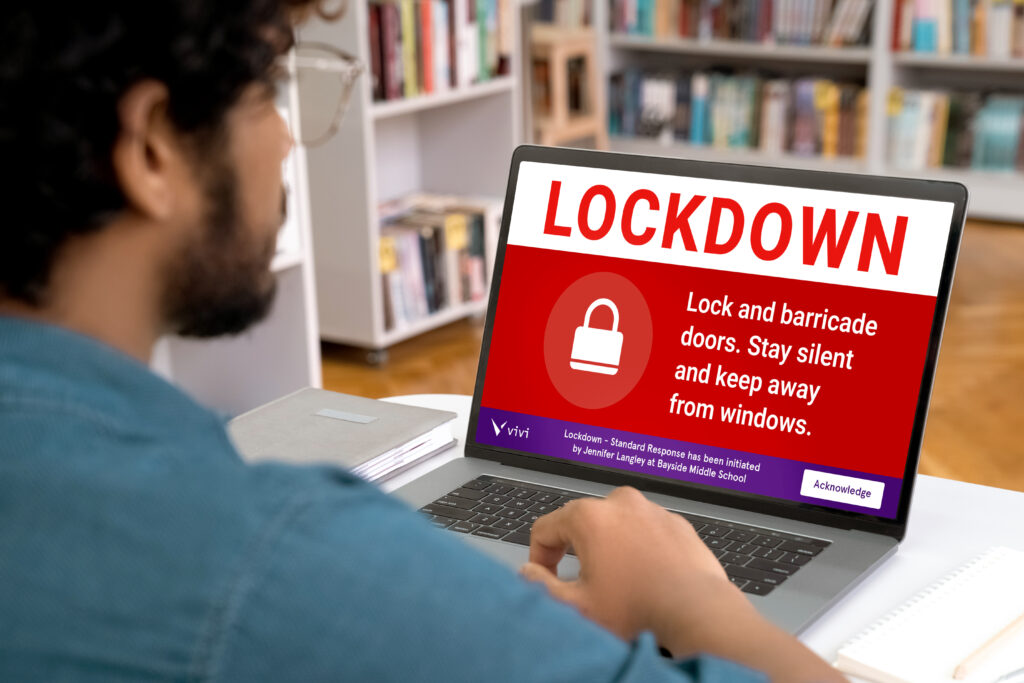
Invacuation vs. Lockdown: Understanding the Difference and Why It Matters for Schools
Emergency procedures in schools have traditionally focused on evacuation, getting everyone out of a building safely. But Martyn’s Law brings…
Read More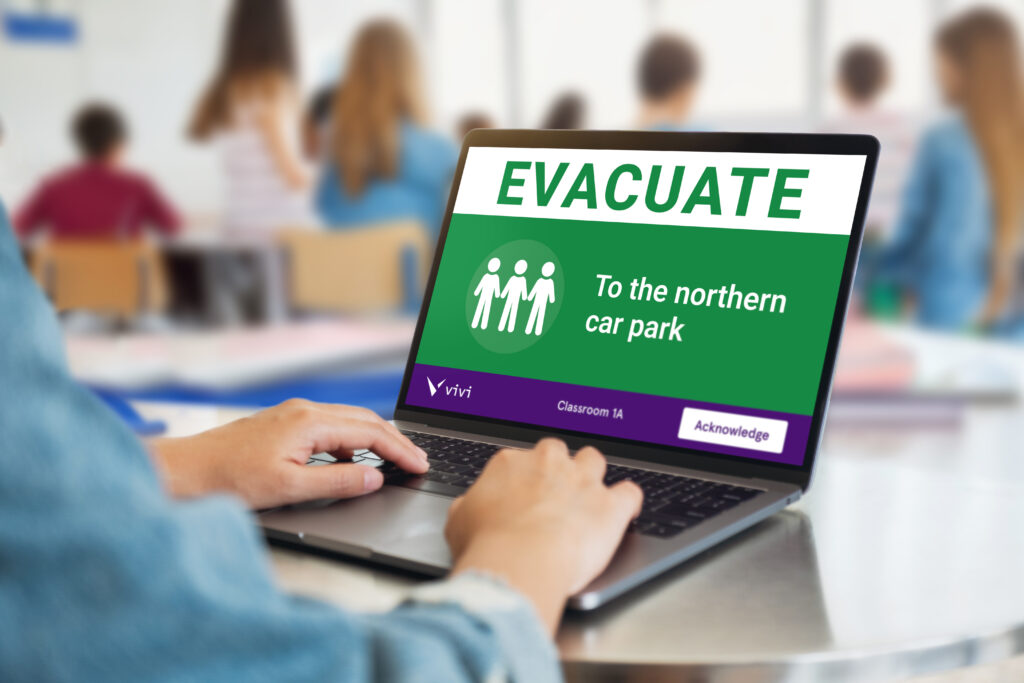
5 Essential Considerations for Preparing Your School For Evacuation
From the moment children start in Reception, they’re taught the fundamentals of school safety: leave belongings behind, walk calmly, and…
Read More