
Vivi Canva App is Here
Display Canva designs as Vivi signage.
Elevate how you design and deploy your school signage. Connect your Vivi account and Canva, publish directly to Vivi and send your message across campus faster.
Design and Display Easily with the Vivi Canva App
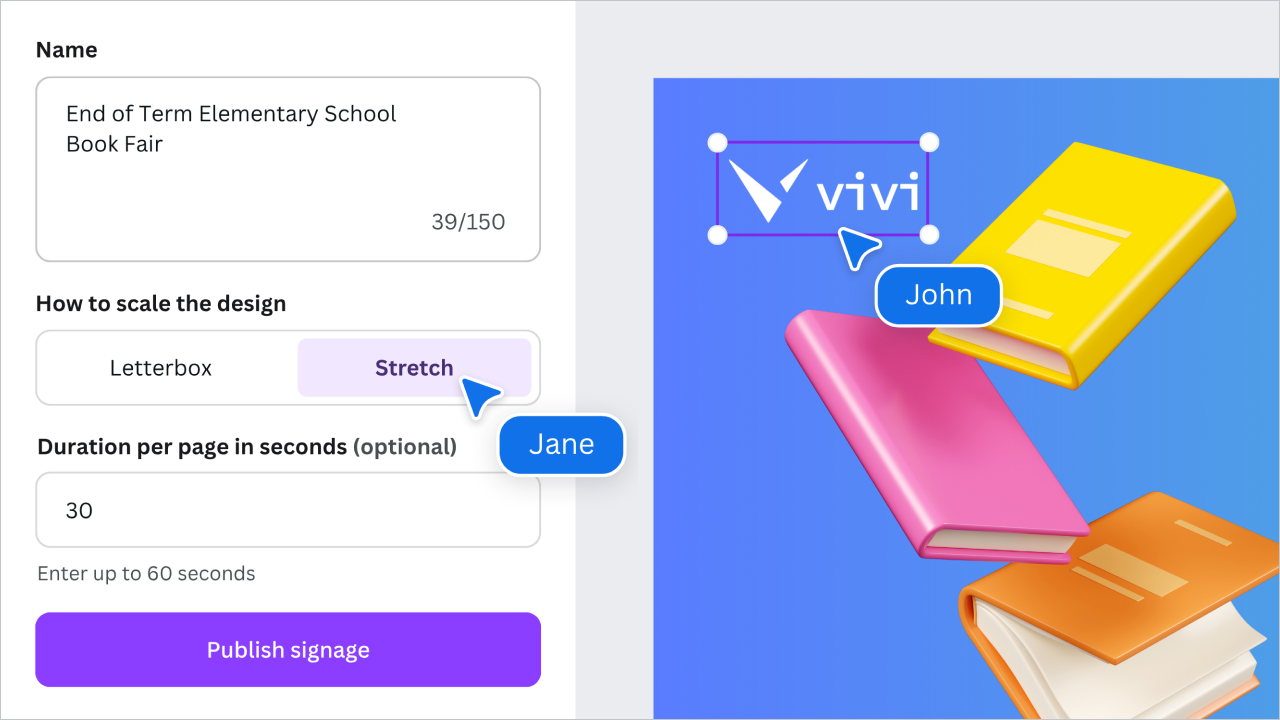
The Vivi Canva App makes it easy to design, publish, and manage digital signage. Create with Canva, then publish directly to Vivi signage in just a couple of clicks. No downloads, uploads, or extra steps.
Design with Confidence
Use the tool that your team already knows and loves. Once connected, publishing to signage is seamless with simple one-time authentication.
No Training Needed
The Vivi Canva App removes the hassle of file handling and setup, so anyone can create and publish signage with ease.
Delegate with Ease
Empower those creating digital signage to use the Vivi Canva App and publish their work directly.
Get Started with the Vivi Canva App
- Connect: If you already use Vivi, simply add the Vivi Canva App to your Canva account and log in to Vivi when prompted.
- Publish: Launch the Vivi Canva app in a new or existing Canva design and press publish.
- Customize: Back in Vivi Central, add content to a new or existing signage schedule or playlist. Your published Canva designs will be available to directly select from Vivi’s media library.