
How schools can use Vivi to communicate, celebrate and connect.
Digital signage is no longer just about replacing outdated pinboards and printed out notices with screens. It’s about creating a dynamic, real-time communication platform that helps schools engage students, support staff, and build community.
In a recent webinar, we sat down with two experienced school leaders, Alex Zolkover, IT Manager at De La Salle College, and Adam Liddiard, Director of Community Relations at Woodleigh School, to explore how they’re using Vivi’s digital signage platform in innovative and impactful ways.
Focus on learning: rethinking classroom screen use
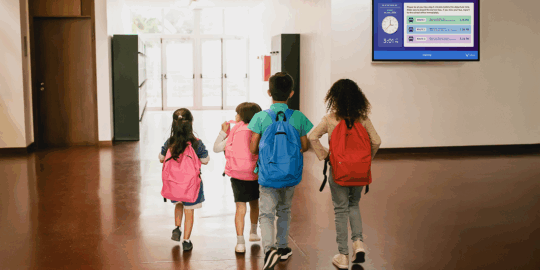
For Alex, the digital signage journey at De La Salle College began with a simple yet powerful goal: use classroom screens to inform rather than distract. “When teachers aren’t presenting, what’s the screen doing?” he asked. The answer, at first, was not much, often just displaying a school logo or default background.
Alex saw an opportunity. By pushing relevant, real-time notices to classroom displays using Vivi, De La Salle turned those idle screens into meaningful communication tools. Daily notices, reminders, and even school values now loop quietly in the background, visible but unobtrusive.
“It’s now a system that runs itself,” Alex says. “Reception staff update Google Slides, which feed into Vivi playlists, and everything updates instantly. I barely need to touch it anymore.”
Crafting a sense of belonging through visual storytelling
At Woodleigh, Adam sees digital signage as a cornerstone of the school’s community building. “If you want students to buy into the school culture, you need to give them something to connect with,” he shared.
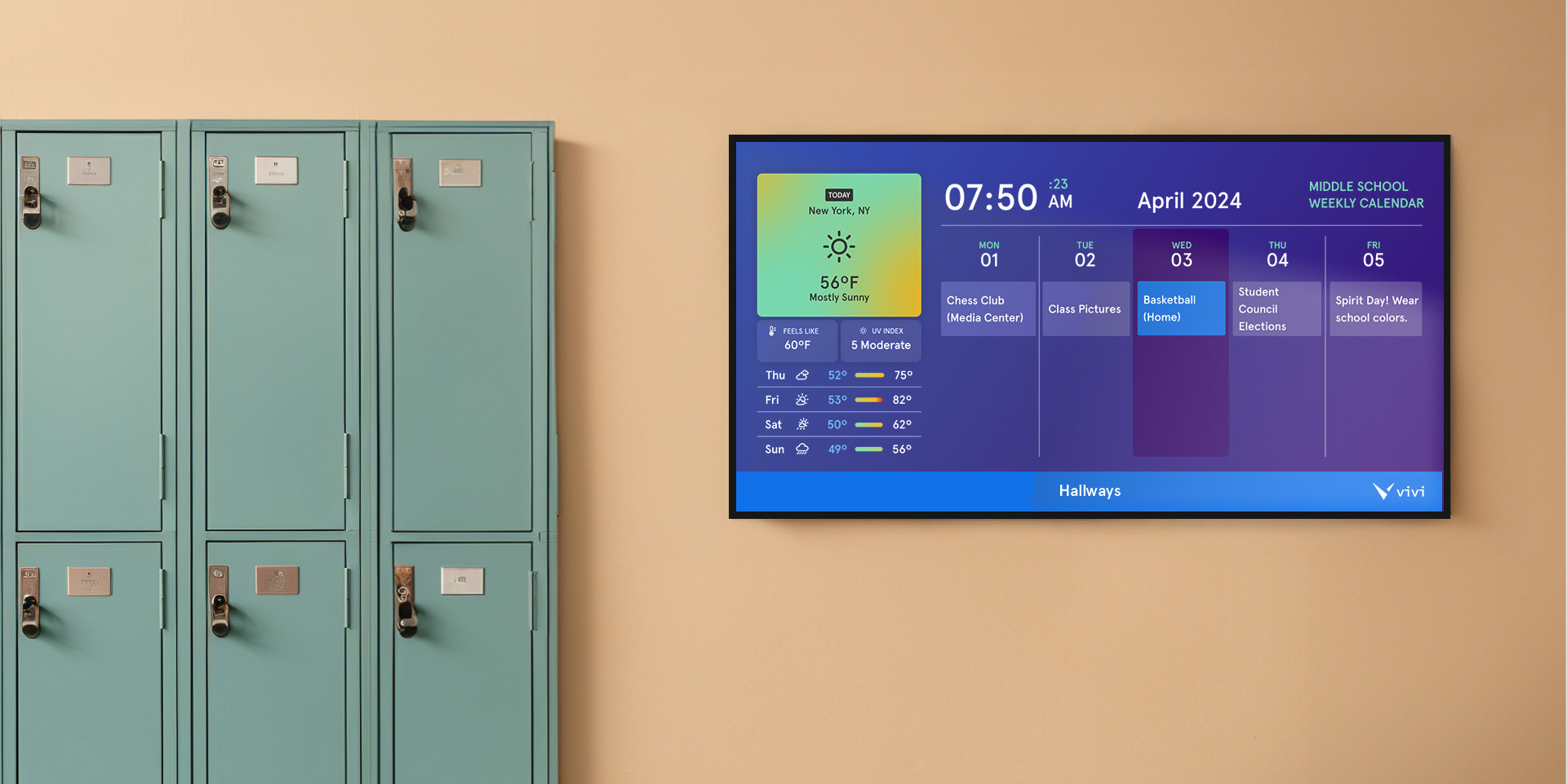
That connection is made through celebration! Photos from school events, student achievements, daily schedules, community highlights are displayed. Different campuses use signage differently: junior classrooms might show visual reminders of daily schedules, while senior campuses include promotional content for sports, music, and upcoming events.
“We tailor everything to the audience,” Adam explained. “During open events, we even used signage to support campus tours, playing rich video and photo content relevant to each space. It added depth and brought the campus to life.”
Change management that works
Adopting new tools always comes with hurdles, especially when staff already feel stretched. But both schools found that using familiar tools, like Google Slides, made all the difference.
“We didn’t ask reception staff to learn a new platform,” Alex said. “We just built a workflow where they update their slides, and Vivi handles the rest.” Adam echoed the approach, adding that if you can show a clear benefit to staff – like reducing time spent chasing up students -adoption becomes easier.
A tool to celebrate, not just communicate
Both schools highlighted how signage can support culture and wellbeing, not just information sharing. Reinforcing school values, celebrating sports wins, promoting extracurriculars, and highlighting student involvement all help students see themselves reflected in their environment.
“Children love seeing themselves up there,” Alex said. “Whether it’s a production, a sporting win, or even just a classroom activity – they feel proud.”
What makes the system tick?
Here’s a quick overview of how both schools manage their signage:
- Google Slides Integration: Staff update shared slide decks that feed directly into Vivi playlists.
- Delegated Content Creation: Marketing teams, reception staff, and teaching teams all manage their own content streams.
- Tailored Playlists: Different content for different campuses, year groups, and even subject areas (e.g. science classrooms show periodic tables and subject-related visuals).
- Nested Playlists: Save time by embedding general content (like school values or celebration slides) across multiple playlists.
- Multimedia Ready: From edited photos in Adobe Lightroom to short videos uploaded to Vivi servers, the signage supports high-quality storytelling.
What’s coming next?
The webinar also previewed exciting features coming soon to Vivi’s digital signage platform:
- Stream to Students: Push classroom displays directly to student devices.
- Canva Integration: Design in Canva and send directly to Vivi signage.
- Role-Based Content Control: Let staff upload content without changing the master schedule.
- Teacher Splash Screens: Customisable screen displays for primary and specialist teachers.
Digital signage, when used intentionally, becomes more than a tech upgrade, it becomes a platform for school-wide communication, student engagement, and culture-building.
As Adam put it, “The best signage isn’t just information – it’s celebration, connection, and belonging.”
If you’d like to learn more about how Vivi can support your school’s communication strategy, book a free demo here.